
Dynamic groups, are similar to regular groups, as they are also a list of email addresses. They are also like segments, because the group's members can be selected based on conditions such as recent engagement or email address (contains gmail.com or yahoo.com). Unlike regular groups, the list of addresses is continuously updated.
Because of this constantly tracked criteria, dynamic groups offer many opportunities to shape your mailings.
This is a step-by-step example of how to create a dynamic group.
The group in this example includes subscribers based on their recent engagement or if they recently joined the list.
Inclusion criteria:
Are they currently part of the list?
And
Has the subscriber:
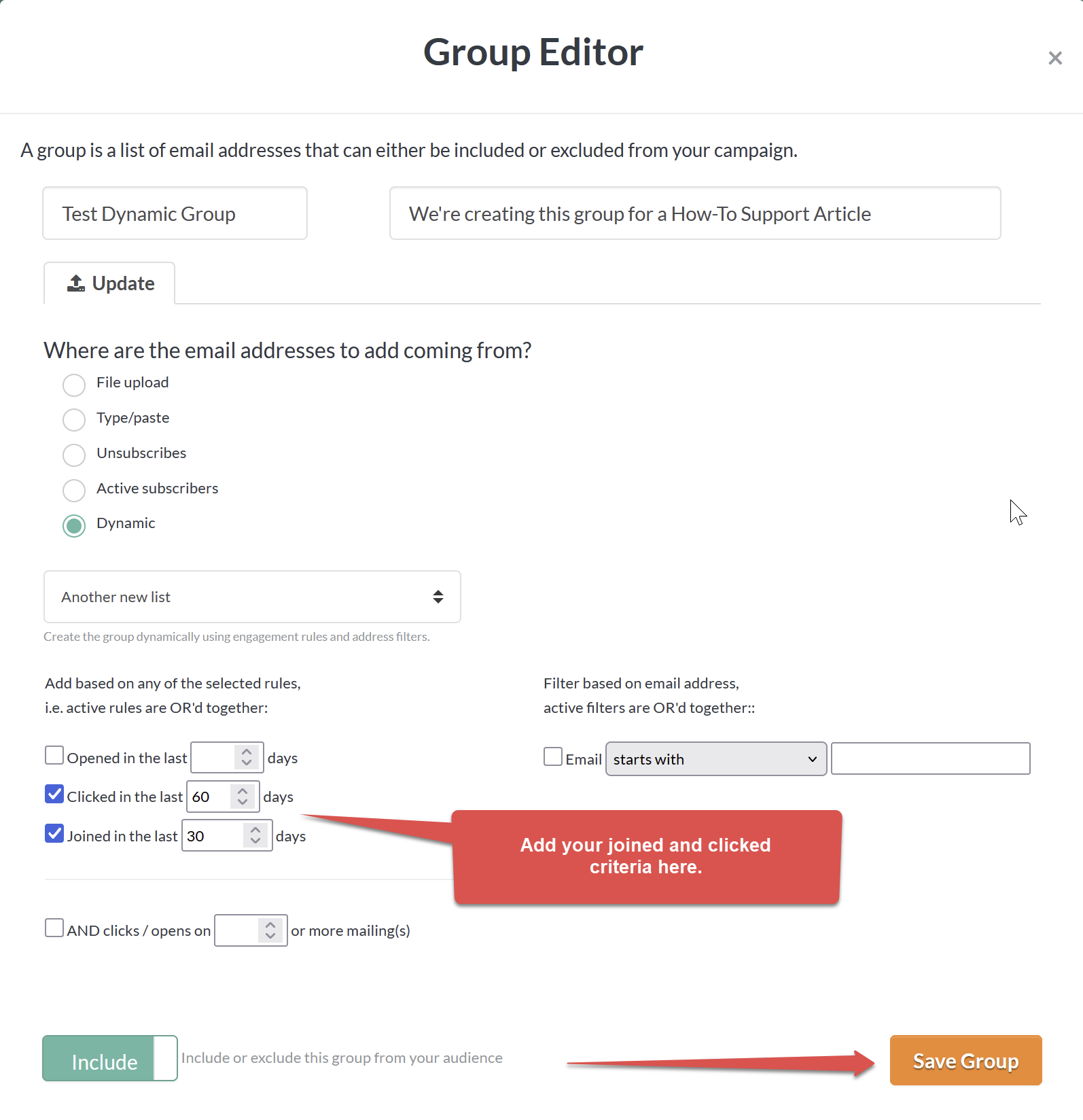
a) joined the list in the last 30 days?
OR
b) Have they clicked in the last 60 days?
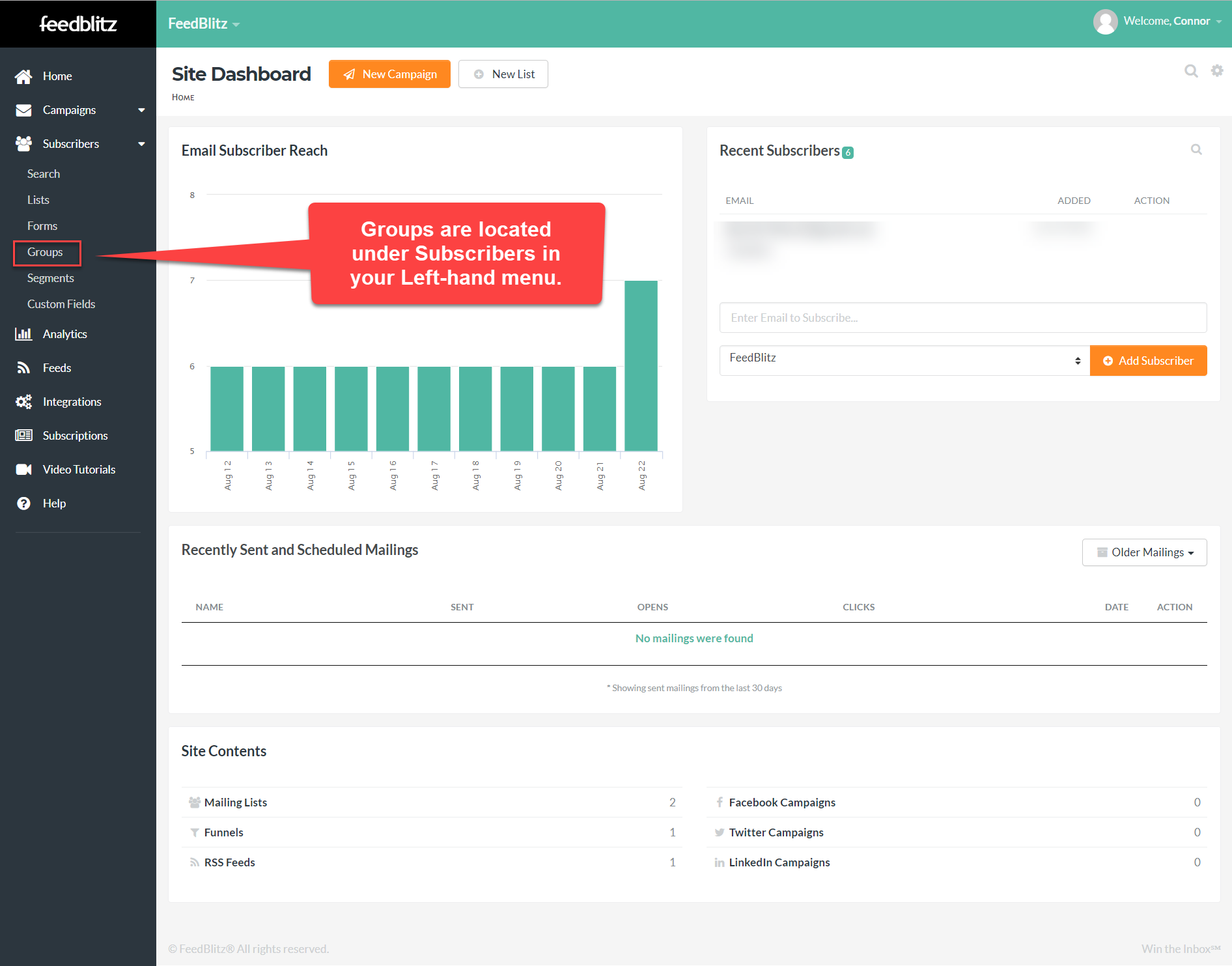
Begin by creating a group, using Subscribers > Groups from your Left-hand menu.
Our dashboard is blank right now because we don't have a group created just yet. Clicks Groups.
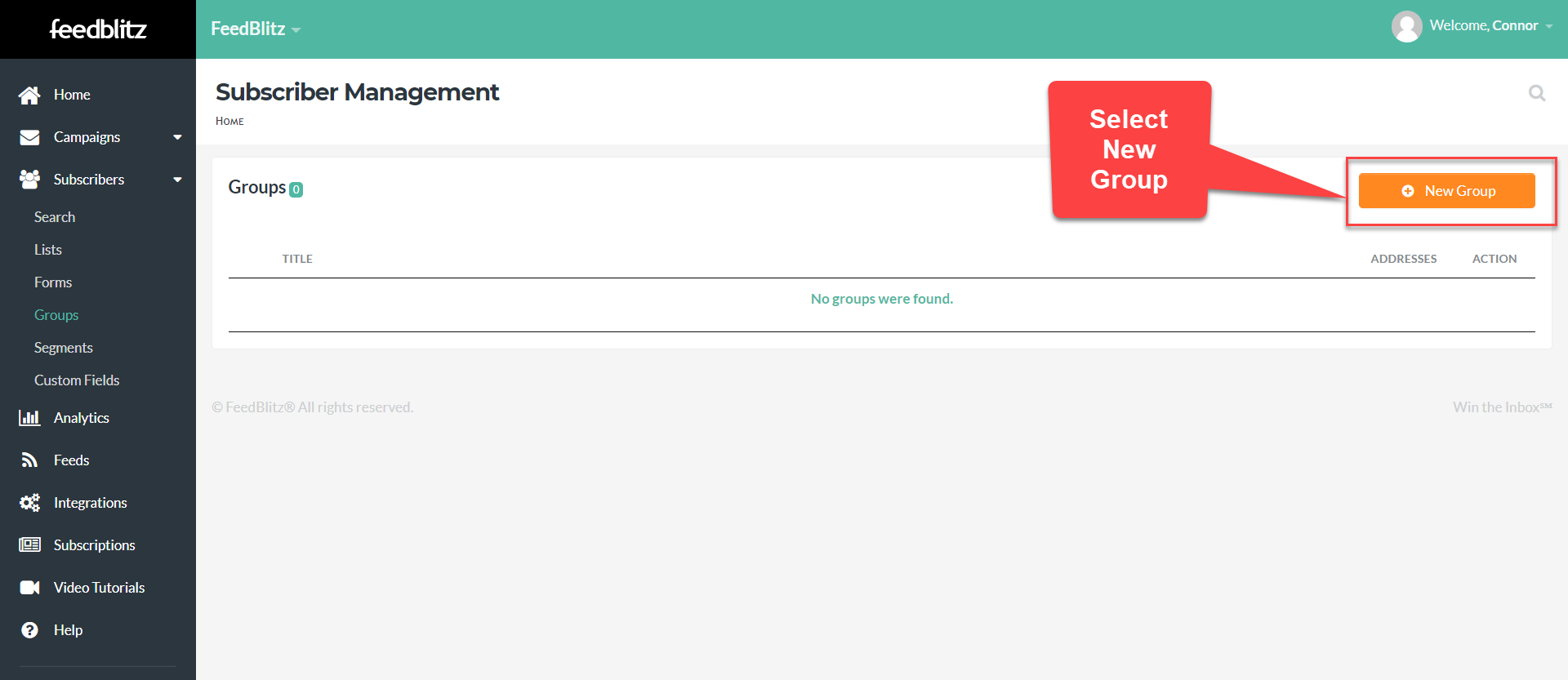
Click New Group.
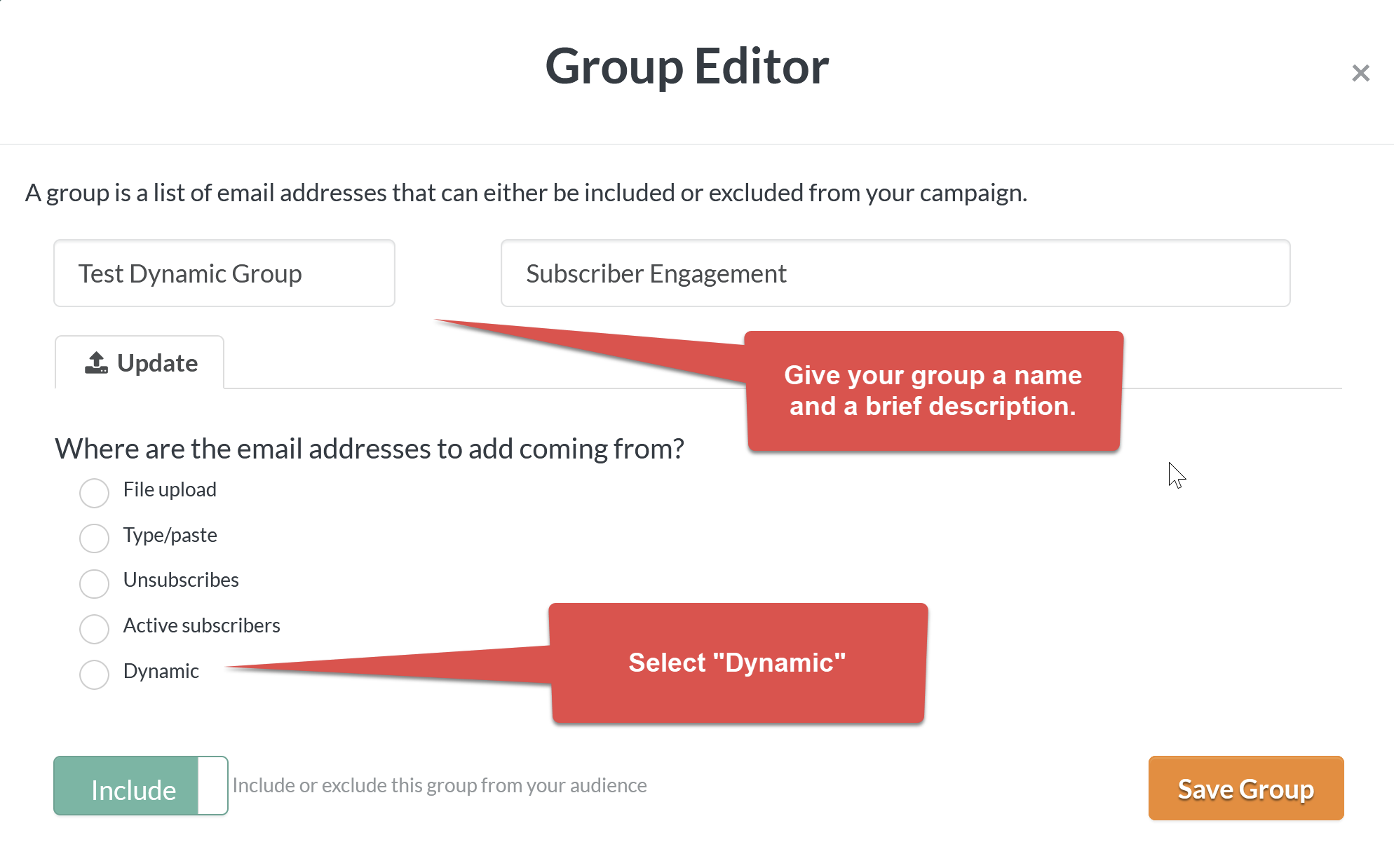
And the Group Editor will appear. Give your new group a name and a brief description Remember subscrbers are not notified when they're added to a group. They will not see this information.
Once you select Dynamic, a series of criteria will appear. Add your joined and clicked parameters here and be sure to save the group when you’re finished.
If you have any questions, please don't hesitate to let us know. You can find all of our great support resources and how to get in touch with us via email, chat or phone on our Support Page.